Multilingual websites for business: structure, localisation and SEO
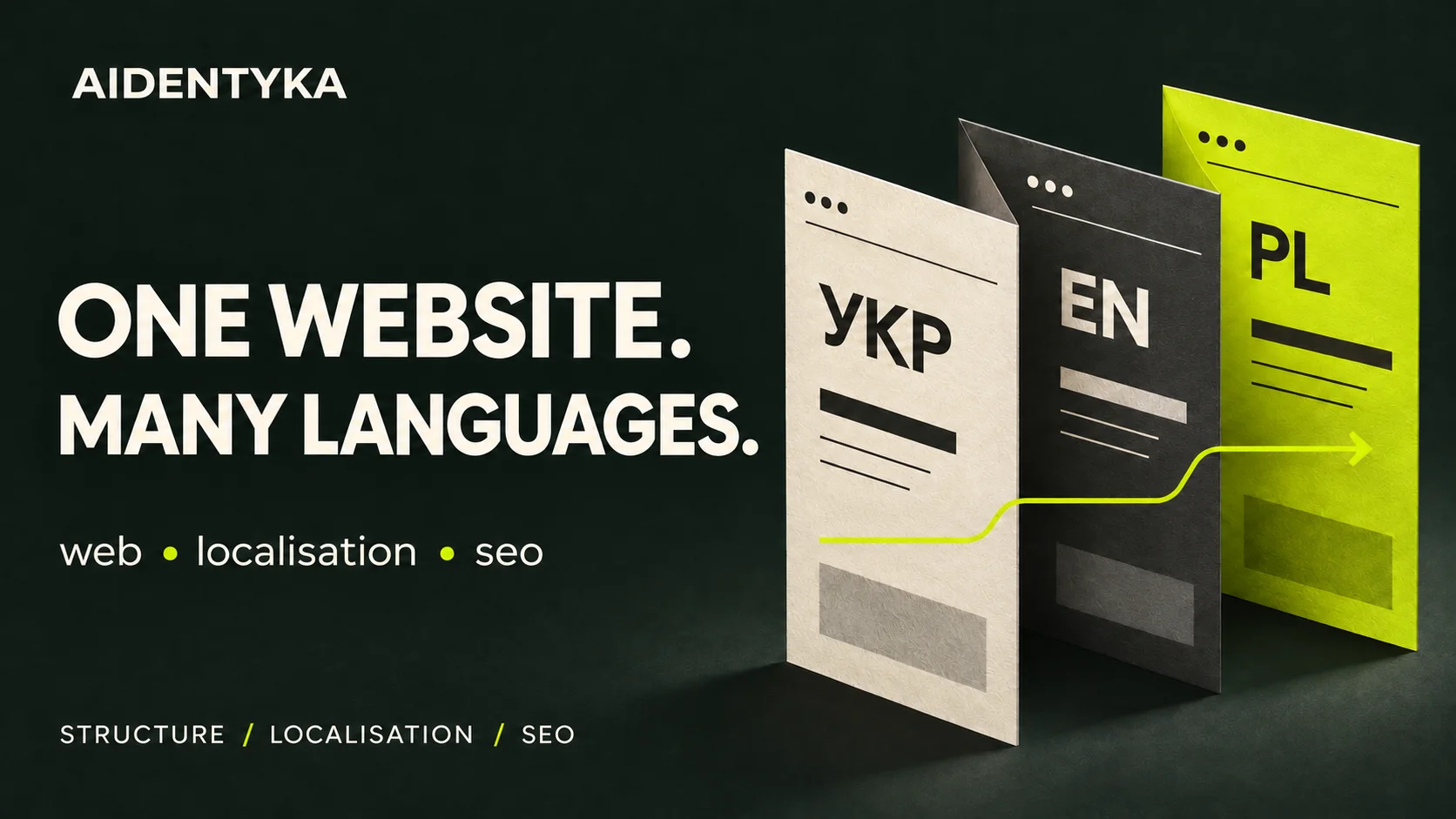
A multilingual website gives different language audiences a complete version of your business offer. Visitors should be able to understand the service, check the terms and make an enquiry in their chosen language. Building that experience involves page structure, content localisation, forms and technical SEO.
Consider an architecture studio serving Ukrainian and Polish clients. Translating the homepage introduces the business, but a prospective client also needs to understand the project scope, see relevant work and describe their property. The second language needs to cover that entire journey.
This guide explains which versions to launch, how to define the work and what to check before publication.
When does a business need a multilingual website?
Start with a specific audience. Another language makes sense when you already receive relevant enquiries, are preparing to enter a particular market or regularly share your website with international partners. Your team also needs the ability to respond and deliver the advertised services.
Answer three questions before committing to a new version:
- Who will use it: individual customers, procurement teams or business partners?
- Which services, locations and terms can you actually offer that audience?
- Who will review the translation and maintain it when the offer changes?
Language and market are separate decisions. One English version may serve partners in several countries. Separate regional versions become useful when the offer, delivery arrangements, contacts or other important conditions differ. Adding a language does not, by itself, guarantee rankings or enquiries.
Translation, localisation and SEO: define the work
| Workstream | What it covers |
|---|---|
| Translation | Accurately conveying meaning, terminology and the limits of your offer. |
| Localisation | Adapting examples, data formats, button labels and the enquiry journey to the audience. |
| SEO | Defining each page’s search intent, preparing metadata and aligning the technical signals between language versions. |
Begin with the words customers use for your service. A direct translation of an internal service name may sound unfamiliar in another market. Review local search results, customer questions and terminology with a fluent reviewer who understands your work. The service name, heading and page content should address the same need.
Plan the page structure before designing
For a small business website managed by one team, keeping languages on a shared domain is often a practical starting point. An English service page could use /services/ and its Polish equivalent /pl/uslugi/. These are illustrative paths. If your existing website already has a consistent structure, assess it before changing established URLs.
Google recommends separate URLs for language versions. Keep language selection available to visitors and avoid forcing a different version based on browser language or IP address.
Prepare a page map before visual design. For the hypothetical architecture studio, an initial bilingual scope might look like this:
| Section | Pages per language | What needs adapting |
|---|---|---|
| Homepage | 1 | The offer, service area and primary action. |
| Residential and commercial design | 2 | Scope, project stages and information needed for an estimate. |
| Projects | 1 | Captions, property types and the team’s role. |
| About the studio | 1 | Team information and working arrangements. |
| Contact | 1 | The form, contact details and available communication languages. |
That is six core pages per language, or twelve URLs for two languages. Count individual project pages, documents and supporting screens separately. This example illustrates scope planning; it is not a report of client results.
Establishing these page relationships during corporate website development gives the design and content teams a shared plan.
Localise the whole enquiry journey
Review every step between arriving on the website and receiving a response. The details most easily missed are often the ones a visitor encounters immediately before submitting an enquiry:
- Menus, service labels, buttons and interface guidance.
- Form fields, input examples, error messages and submission confirmations.
- The confirmation sent to the customer and the enquiry’s language label for your team.
- Currencies, units, phone formats and the conditions attached to any displayed price.
- Text inside images, project captions and downloadable documents.
For the architecture studio, “Discuss your project” can be more useful than a generic “Submit”. Explain which details help: property type, floor area and the work required. The Polish version needs a natural equivalent that leads to a form in Polish.
Check the mobile layout separately. Longer translations can overflow buttons, navigation and cards. Make the language selector available in the mobile menu and link it to the equivalent of the current page. When that translation does not exist, make the available destination clear instead of implying that it contains the same information.
Multilingual website SEO: the essential checks
Ask your developer to check these settings across each pair of translated pages.
- Hreflang. Identifies language or regional equivalents. Each version should list itself and the alternatives, with reciprocal links between them. Ukrainian uses
ukand English usesen;uais not the Ukrainian language code. - Canonical URLs. For separate, fully translated pages, choose the canonical in the same language, normally the page’s own URL. Do not point every translation’s canonical back to the original language. Similar regional pages in the same language need a separate assessment.
- Metadata. Write a meaningful title and description for each language, matching its page content.
- Availability. Check page responses, indexability, the sitemap and internal links. Remove empty translation placeholders and links to staging addresses from the public structure.
Google documents the details of language alternatives and canonical URLs. If your existing versions are inconsistent, start with a technical SEO review.
Define the scope, budget and ownership
A brief that only says “add another language” leaves too much open. List the pages and unique templates, text volume, forms, integrations and downloadable files. Agree who translates, who checks specialist terminology and who signs off the completed version.
Separate the work into structure, localisation, implementation and verification. Languages can share a design system, but each needs its own content and testing. Plan maintenance as well: when a price or service changes, someone must update every relevant version.
Use our website development brief as a starting point and add a table of languages, pages and owners.
A pre-launch checklist
- Compare every language version against the agreed page map.
- Follow the homepage-to-service-to-form journey on desktop and mobile.
- Switch languages within a service page and check that its context is preserved.
- Submit a test enquiry in each language and confirm that the team receives it.
- Reconcile prices, contacts, messages and documents across versions.
- Confirm the technical checks for canonical URLs, hreflang and indexability.
- Assign an owner for future translation updates.
After launch, review pages and enquiries by language. Organic visits, contact clicks and enquiries actually received are different events. Assess the relevance of those enquiries and their eventual outcome, accounting for advertising activity and seasonality.
A bilingual example from AIDENTYKA’s portfolio
The INTER OLIYA case study presents a manufacturer’s corporate website in Ukrainian and English. It covers products, production capabilities and cooperation opportunities. The project illustrates how two language versions can present one B2B offer to domestic and international partners.
Frequently asked questions
Is automatic translation enough?
It can provide a first draft. Before publication, have a fluent reviewer who understands the service check terminology, conditions, buttons and forms. Assign responsibility for the final editorial review.
Do we need to translate the entire blog immediately?
You can start with the homepage, priority services, contacts and material customers need to make a decision. Add articles according to the new audience’s needs. Every published version should offer a complete route to an enquiry.
Can we add a language to an existing website?
Yes. First assess the platform, URL structure, templates and integrations. Record the existing URLs so that adding translations does not cause unnecessary changes to established pages.
Does each language need a separate domain?
No. The choice depends on your markets, business structure and maintenance resources. For one team with a shared offer, several languages on one domain are often simpler to manage.
Planning a multilingual business website?
AIDENTYKA can help define the structure, design the language journeys and prepare the website for launch. Tell us about your project: the languages you need, the audience you serve and whether you already have a website. We can use that information to discuss the scope and next steps.
2 Responses