Catalogue website or online store: what should manufacturers and wholesalers choose?
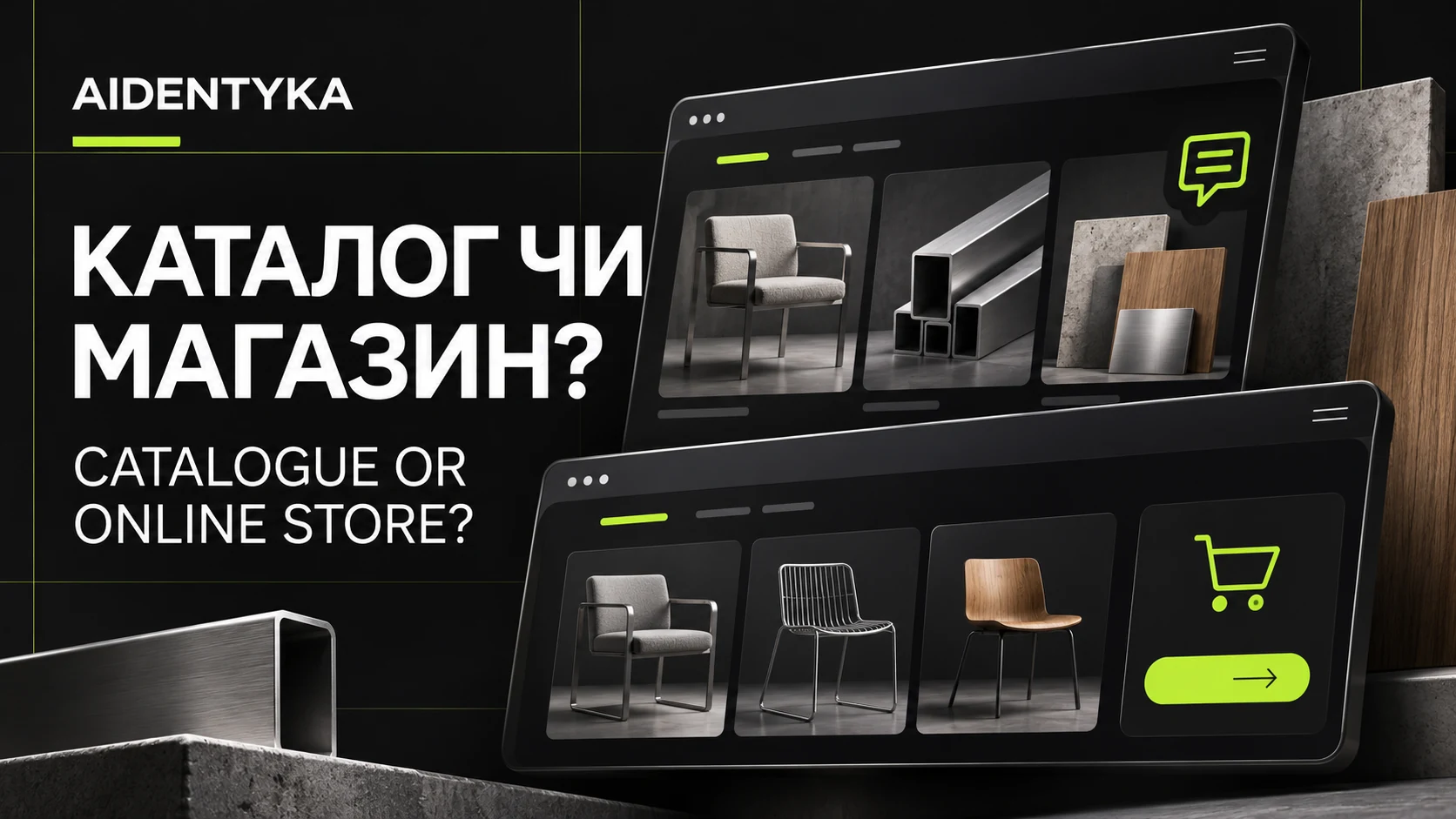
Start with a catalogue website and a quote request if each order needs a custom price, configuration or delivery agreement. Consider an online store when customers can select a product, understand the final cost and place an order under clear rules. A business with both types of sale can combine the two approaches.
A furniture manufacturer, a materials wholesaler and a consumer brand may show similar product grids, yet handle orders very differently. The right website format depends on what buyers need to decide and what your sales team needs to take the next step.
How a catalogue website differs from an online store
A catalogue website presents products, specifications and trading terms. Its main action is a request for pricing, advice or a specific product. It can include published prices, filters and a shortlist without accepting payment online.
An online store adds an ordering process. Customers select quantities and variants, provide the required details and choose delivery and payment options. Payment may be by card, invoice or on delivery. What matters is that the ordering rules match the way your business actually operates.
| Criterion | Catalogue website | Online store |
|---|---|---|
| Main action | Send an enquiry | Place an order |
| Price | May require a quotation | Published or calculated by agreed rules |
| Sales team involvement | Before the order is agreed | For exceptions or support |
| Typical use | Custom configurations or wholesale enquiries | Standard products with defined terms |
| What to test | Enquiry quality and delivery | Cart, orders, payment and stock |
When a manufacturer needs a catalogue website
A catalogue is useful when pricing depends on volume, material, dimensions, installation or delivery location. Buyers first need to understand your offer, then provide enough information for a quotation. A button labelled “Request a quote” makes that next step explicit.
Consider an illustrative furniture workshop. A customer chooses a kitchen style, explores materials and completed projects, adds room measurements and sends an enquiry. The final estimate follows a discussion. Product information and a relevant quote form support that process better than a cart with a provisional price.
For a wholesaler, the key details might be minimum order quantities, sales units, packaging, delivery regions and sample availability. Place them close to the product so your team receives enquiries with useful context.
The INTER OLIYA case study shows a B2B manufacturer website that separates products, production capabilities and partnership opportunities.
When an online store is the better fit
An online store makes sense when buyers can choose the right product themselves and your team can fulfil orders under the terms shown on the website. Before development, check whether you can keep prices, availability, variants and delivery information accurate.
- Products have clear specifications, identifiers and selection options.
- The price can be determined before confirmation, or any approval step is clearly explained.
- Someone is responsible for updating availability and processing orders.
- Your team has agreed payment, delivery, returns and customer notification workflows.
For example, a footwear brand selling standard products can let customers choose a model, size and colour before ordering. The KATI Shoes case study illustrates how imagery, collections and product options work together in a store interface.
What manufacturers and wholesalers should include
Start with categories your customers understand. If people choose products by application, do not make them learn your internal manufacturing codes first. Category names should help them reach the right range without a sales representative explaining the menu.
- Category pages that explain the range and the criteria buyers should consider.
- Individual product or product-series pages with photographs, specifications and available options.
- Trading terms covering quantities, payment, delivery and made-to-order production.
- Project examples and product documents that are accurate and approved for publication.
- An obvious way to enquire from each important page.
A downloadable PDF can remain useful, but it should not be the only place to find specifications. On a phone, customers should be able to read the relevant details on the product page and ask about that item immediately.
How to make quote requests useful
A quote form should pass context to the sales team. When a visitor opens it from a product page, include the product name or identifier in the enquiry. A wholesale request may need an approximate quantity; a delivery estimate may need a city; a custom item may need a few essential measurements.
Only require information you need to provide an initial response. Asking for a phone number, email, full address and company registration details at once creates unnecessary work for someone with a first question. After submission, confirm that the request was received and explain how you will follow up. Publish a response time only if your team can meet it.
Before launch, test the complete journey: the form submits, the right person receives it, the product reference is preserved and the customer can be contacted. A click on Telegram or a form button does not by itself confirm a received enquiry.
Combining a catalogue with online ordering
You can support standard purchases and negotiated orders on the same website. Use “Order” for products with defined terms and “Request a wholesale quote” for larger quantities or custom requirements. The labels should explain what happens next.
Launching a catalogue first and adding a store later is possible, but plan for that change before development. Agree how product data, identifiers, variants, page addresses and stock sources will work. Otherwise the next phase may require rebuilding product pages, imports or integrations. Cost depends on the agreed scope rather than the format’s name alone.
Preparing a product catalogue for Google Search
Separate category and product pages can answer specific buying questions. Explain applications, materials, compatibility and ordering terms where they help customers choose. Keep names and specifications available as text rather than placing all useful information inside images.
Google recommends linking categories, subcategories and products through normal navigation links. Important pages should not be available only through an internal search box. See Google’s ecommerce site structure guidance.
For AI Overviews and AI Mode, Google also recommends established SEO practices. Useful answers, accessible text and a clear structure give its systems content to work with, but do not guarantee inclusion or recommendations. See the official Google documentation.
What to prepare before commissioning development
Share a sample of your range, a category list, several completed product records and one real order journey from the first question to dispatch. Include your website languages, required integrations and the current source of prices and stock. This helps the development team assess both the public website and the work needed to manage it.
Agree acceptance scenarios before launch: find a product on a phone, select an option, send an enquiry or place an order, receive confirmation and process the request internally. These provide concrete checks for deciding whether the website is ready.
Frequently asked questions
Can a catalogue website work without published prices?
Yes. Explain what determines the quotation and what information you need to respond. Make the enquiry product-specific so customers do not have to describe the item again.
Does an online store need online payment?
No. It can accept orders paid by invoice or on delivery. Explain when an order becomes confirmed and how the customer receives payment instructions.
Can selected customers see wholesale prices?
Yes, when that feature is included in the scope. You need to define access rules, customer groups, quantity discounts and the price source. It may require customer accounts and a connection to your business management system.
Which platform should we use?
The choice depends on your catalogue, integrations, ordering process and maintenance resources. A CMS, a hosted platform or custom development may fit. Define the requirements first, then select the technology.
Discuss the right format for your business
AIDENTYKA develops business websites, product catalogues and online stores. We choose technology around the brief and plan the structure, design and steps visitors take towards an enquiry.
Send AIDENTYKA a message on Telegram with a sample of your products and a short explanation of how you sell today. We can discuss the format and scope your project needs. Explore the options on our services page.